


barefootguru
-
Posts
284 -
Joined
-
Last visited
-
Days Won
28
Posts posted by barefootguru
-
-
This is probably the API rather than Cachly…
The last couple of days when I go onto the Logs tab, then try to edit a log, Cachly will return:
Error

Object Reference Not Set To An

Instance Of An Object.
When trying to save the edits.
Cachly 8.0.8 (1)
-
I think the trigger is when the newly found cache is the only pin on the map.
i.e. hit X to clear the map, then do the search.
And yes, it's an insane zoom, the scale ruler goes up to 4 m

-
11 minutes ago, Nic Hubbard said:
Ah, you are creating offline list templates. Those do not sync, only online filtering templates.
Sorry for the confusion. Offline list templates are much older and are part of the database system, so syncing isn't easy.
Gotcha, thanks!
-
3 hours ago, Nic Hubbard said:
No, there is no way to reorder the templates currently.
For syncing, I just tested on my devices and they synced right away. If you create a new template on device 1, then check on device 2, there is nothing?
Just tried the other way around, still didn't sync:
- an offline list
- tap filter icon
- select Save New Template
- give it a name
- tap Save
on other device, select Current Template, it hasn't appeared.
-
1. Is there a way to reorder Filter Templates? I've ended up creating 50+ for a particular challenge, but not in the order I want to see them

2. Help says Filter Templates are synced across devices (https://help.cachly.com/article/22-live-filter-templates). I have iCloud Drive turned on + Cachly is on for Apps Syncing to iCloud Drive on both devices, but the templates have never synced? Cachly is definitely using iCloud as highlighted caches sync between devices.
Cachly 8.0.6, iOS/iPadOS 18.1
Thanks!
-
On 10/16/2024 at 4:13 AM, NeoRame said:
Than please do not advertise with features which could coming but faaaaaaar way from release!
Some of us like knowing what features are planned :]
-
Maybe iCloud syncing was off for Cachly on the old phone?
-
When viewing a cache, and you select the ellipses menu and ‘View on geocaching.com’, the page opens in a mini browser and you’re not authenticated. You need to tap the browser icon to open the Safari app.
Is there a way to have Cachly always open in the Safari app instead?
p.s. actually I’d love an option to disable that mini browser in all apps!
-
Cachly 8 introduced a long press on the map filter to quickly enable/disable the filters.
Would be cool/consistent to have this for the log filtering as well.
- Hodějovice, Nic Hubbard and Bolling
-
 2
2
-
 1
1
-
OK, that mostly worked thanks.
- the pocket queries didn't get a tick beside them, so I had to manually track which ones I'd downloaded.
- there's more than 16,000 caches so I couldn't update them all… how can I continue the update in 24 hours? I tried a few filters like Date Last Updated, No Logs, and No Waypoints*
*Looks like a bug in 8.0.2: with a filter of Has Waypoints = no, Cachly shows caches from all lists, rather than just the one I'm currently in. 'Showing 101,945 of 16,639'
-
Is there a way to bulk import GPX files?
I have 23 PQs I've downloaded as zip files (because of the bug importing PQs which causes them to hang).
I've tried importing from within Cachly, and Sharing from Files, but those methods only import one / the first file.
Thanks
-
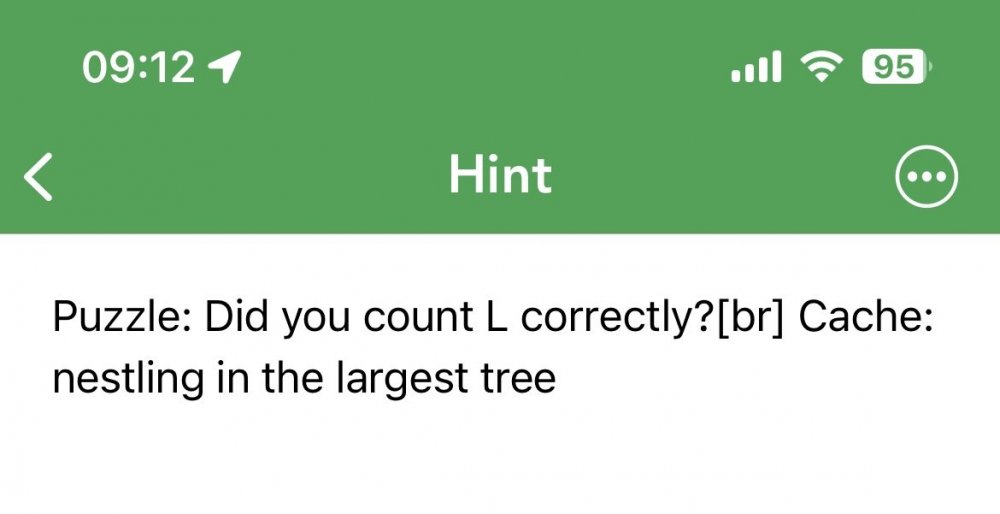
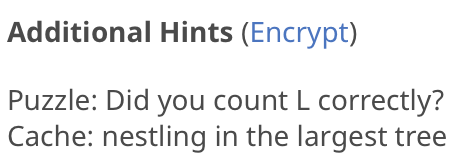
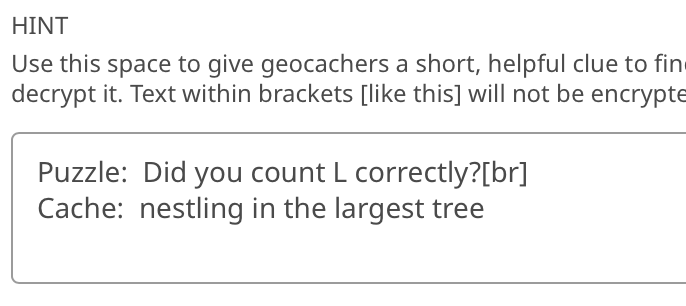
It's not HTML, just '[br]' for a line break. We've needed to use it since geocaching.com stopped rendering the line breaks.
I'm seeing it too, e.g. my GCACD0M Fly like a Pekapeka (Wellington)
-
Happy to, thanks for investigating!
-
16 minutes ago, Nic Hubbard said:
Yes, this is not normal. How long have you had Cachly installed?
Since a very early version. Is there a fix I can make, or do I have to reinstall?
-
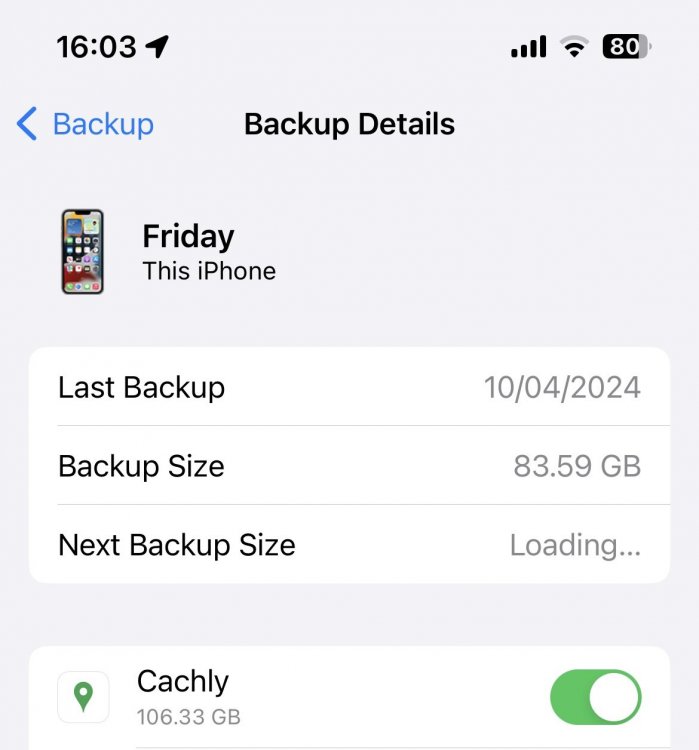
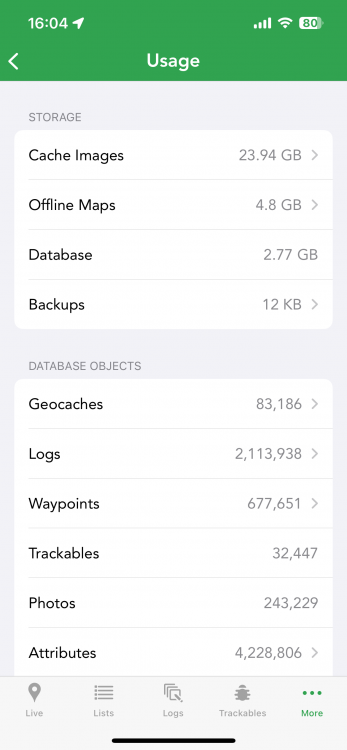
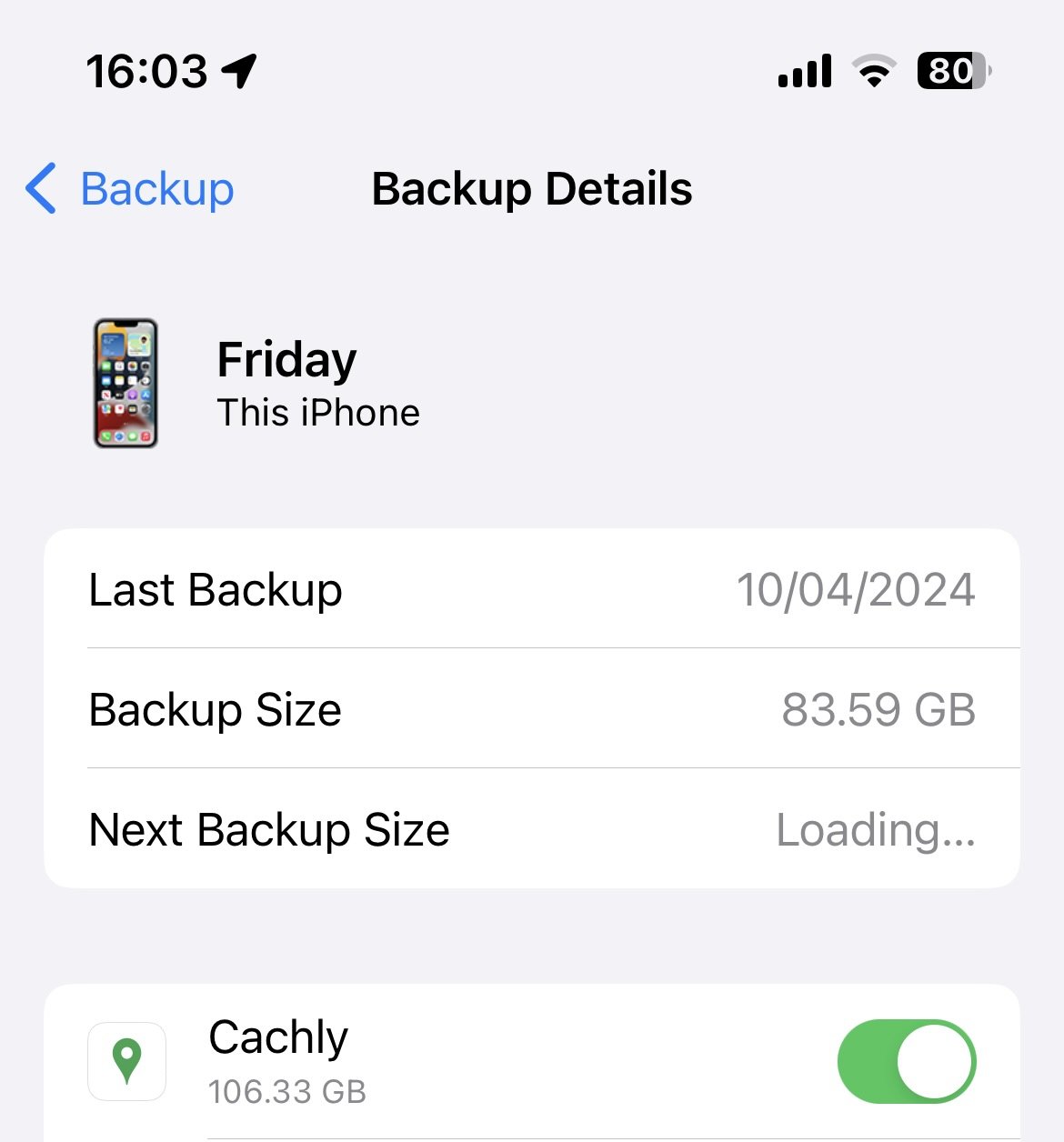
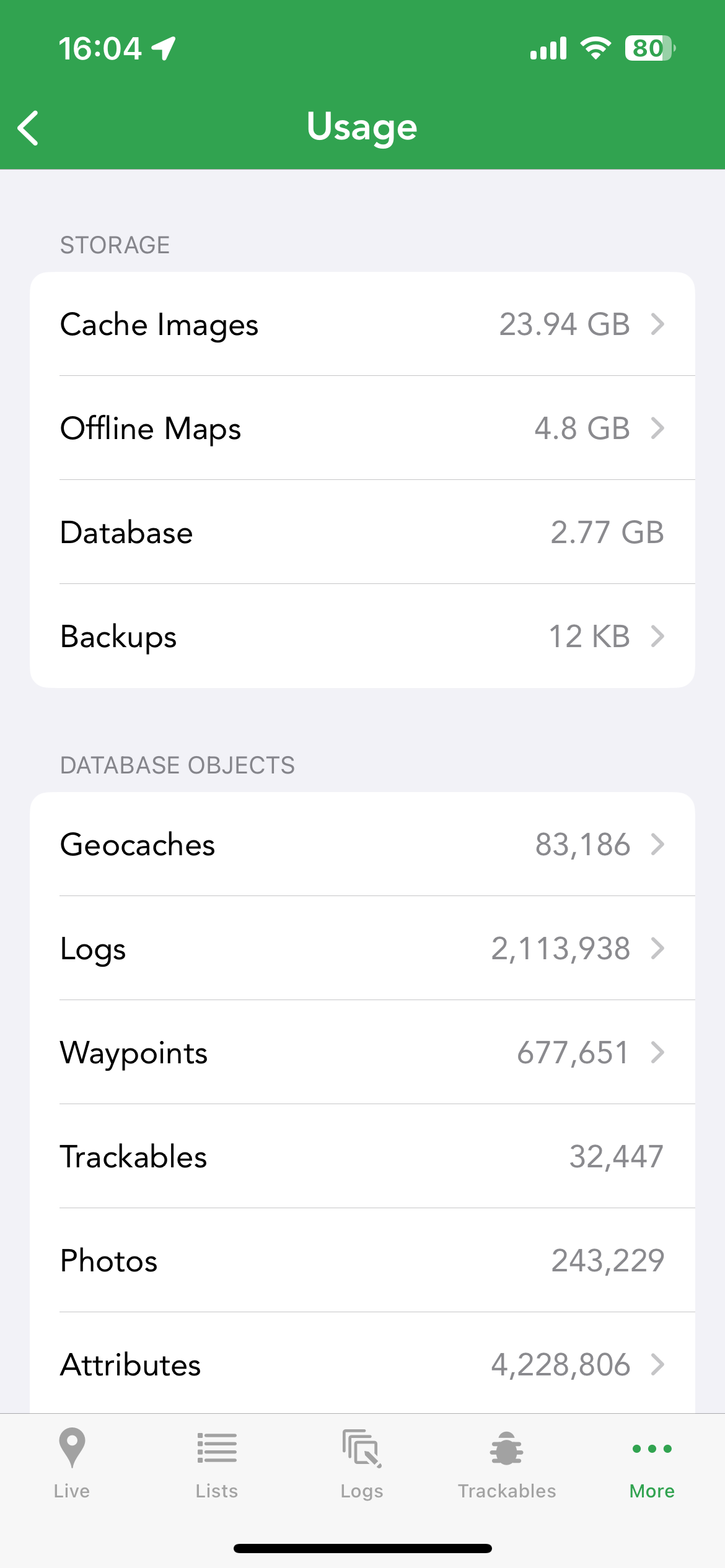
Cachly is showing a total of 32 Gig used in its usage screen, but iCloud backup is saying Cachly is taking 106 GB.
Is this expected? I only have a 200 GB iCloud plan…
Cachly 8.0.1, iOS 17.4.1
-
Still occurs in Cachly 8.
-
-
Quote
Copy Coordinates: Choose from 3 different formats for copying
Where can I choose the format?
-
-
I'm not understanding the issue — you can continue using your existing offline maps in the new version for $0, they just won't receive updates.
-
7 hours ago, Team DEMP said:
What do you show under More > Backups ?
And yes you can delete them.
Published.zip from last month but it’s only 21 Meg and I didn’t create it?
-
41 minutes ago, barefootguru said:
The PQs which stall seem consistent, do we know what the trigger is? i.e. is there a way to change the PQ criteria to work around it?
Hmm, it downloads fine from the website, so I guess that's my workaround.
-
In More > Usage > Storage there's an item for Backups, which for me is currently 2 GB. What's this used for, and can I delete it? I've had a look around but can't find any info on it.
-
The PQs which stall seem consistent, do we know what the trigger is? i.e. is there a way to change the PQ criteria to work around it?
-
There’s been some chat on the forums about drafts and pictures
https://forums.geocaching.com/GC/index.php?/topic/391815-uploading-pics-doesnt-work/
https://forums.geocaching.com/GC/index.php?/topic/391659-completing-drafts-destroys-the-images-saved-in-them/
-
There’s some challenges here which are collecting caches found in different degrees of latitude/longitude. Would be handy if there was a filter to search an offline list for that, e.g. latitude S39 01.xxx, S39 02.xxx (the filter for multis/mysteries should work on the posted coords, not the corrected).
- Nic Hubbard and ivans
-
2
Choose from 3 different formats for copying
in General Questions
Posted
Go into More > Settings > General, and scroll down to Default Coordinate Format.
I much prefer setting this once rather than every time I copy a format, but you can go back to the old way with Use Coordinate Picker.