

barefootguru
-
Posts
303 -
Joined
-
Last visited
-
Days Won
30
Everything posted by barefootguru
-
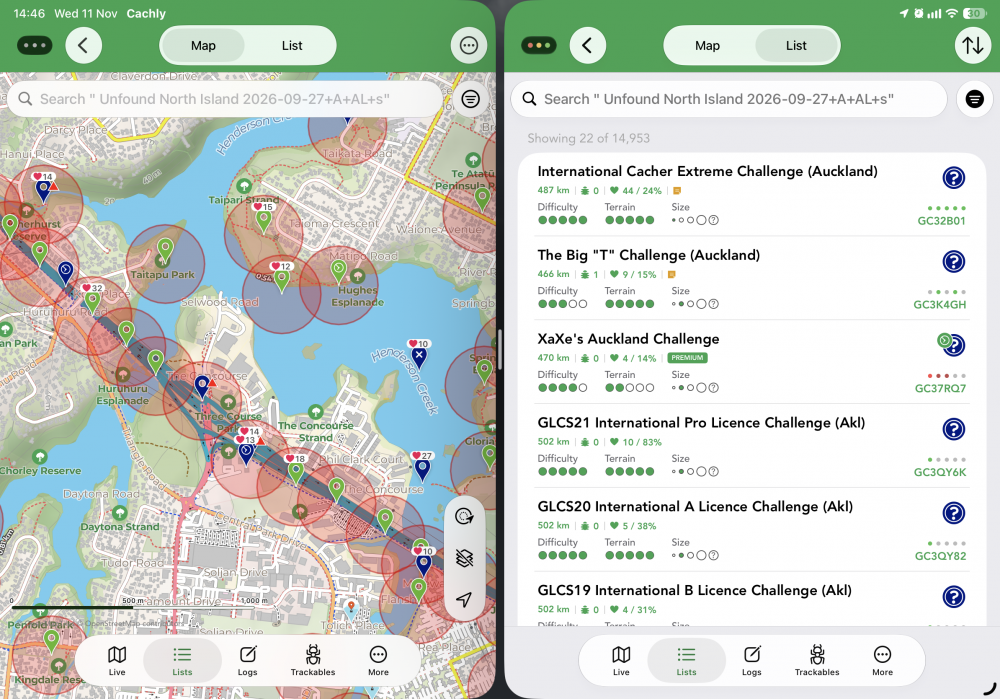
Cachly supports multiple windows (not that I've used that feature), so you can already do this:
-
I like to use Cachly for updating my logs. But if I scroll down on the Logs screen, then Cachly ends up being quit, I lose my place. Would be great if it could save the scroll/cache position.
-

PQ downloading images, and showing 0 in lists
barefootguru replied to barefootguru's topic in Support
Lol, thank you! -
OK, thanks for looking.
-
PQ downloading images, and showing 0 in lists
barefootguru replied to barefootguru's topic in Support
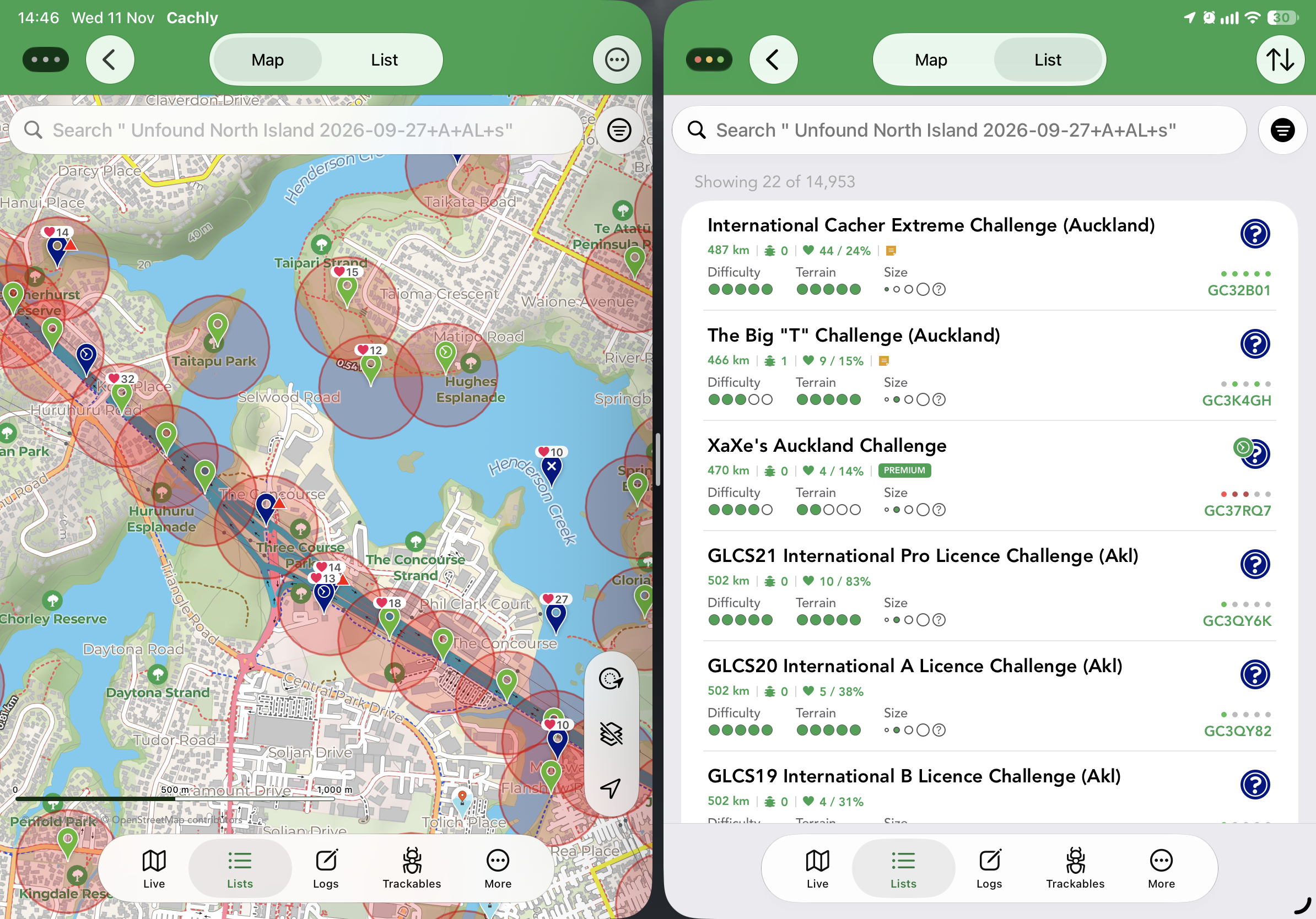
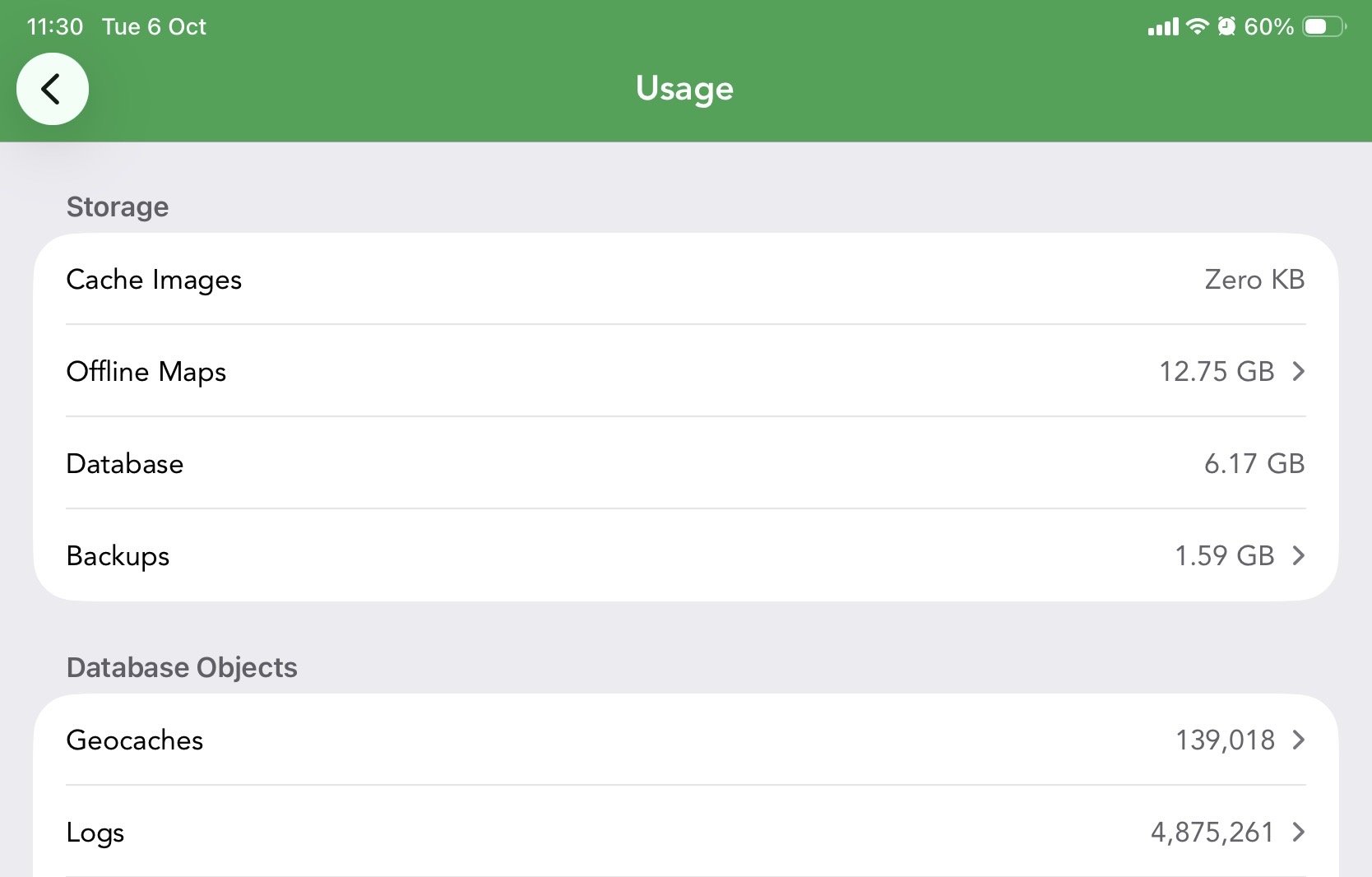
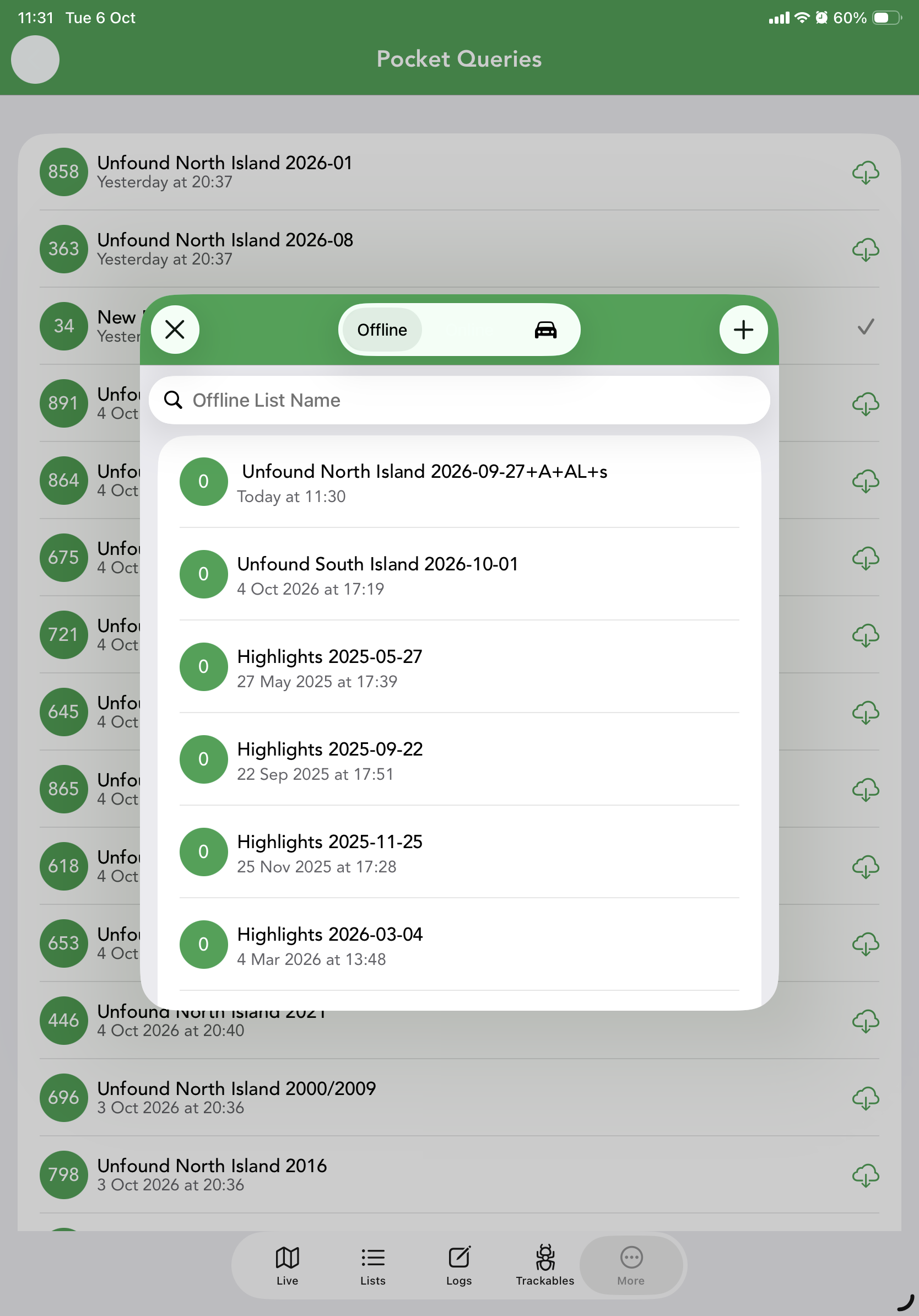
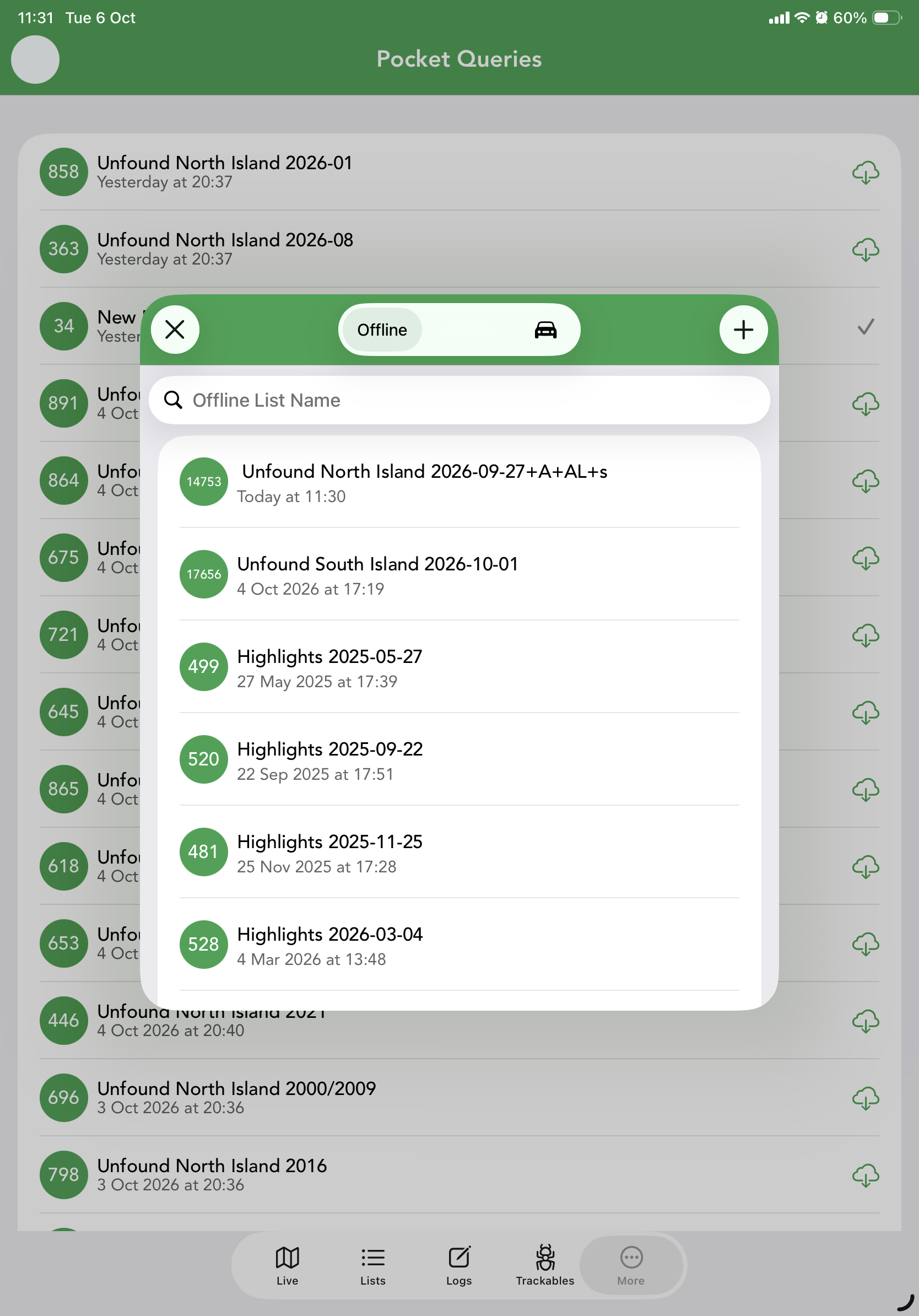
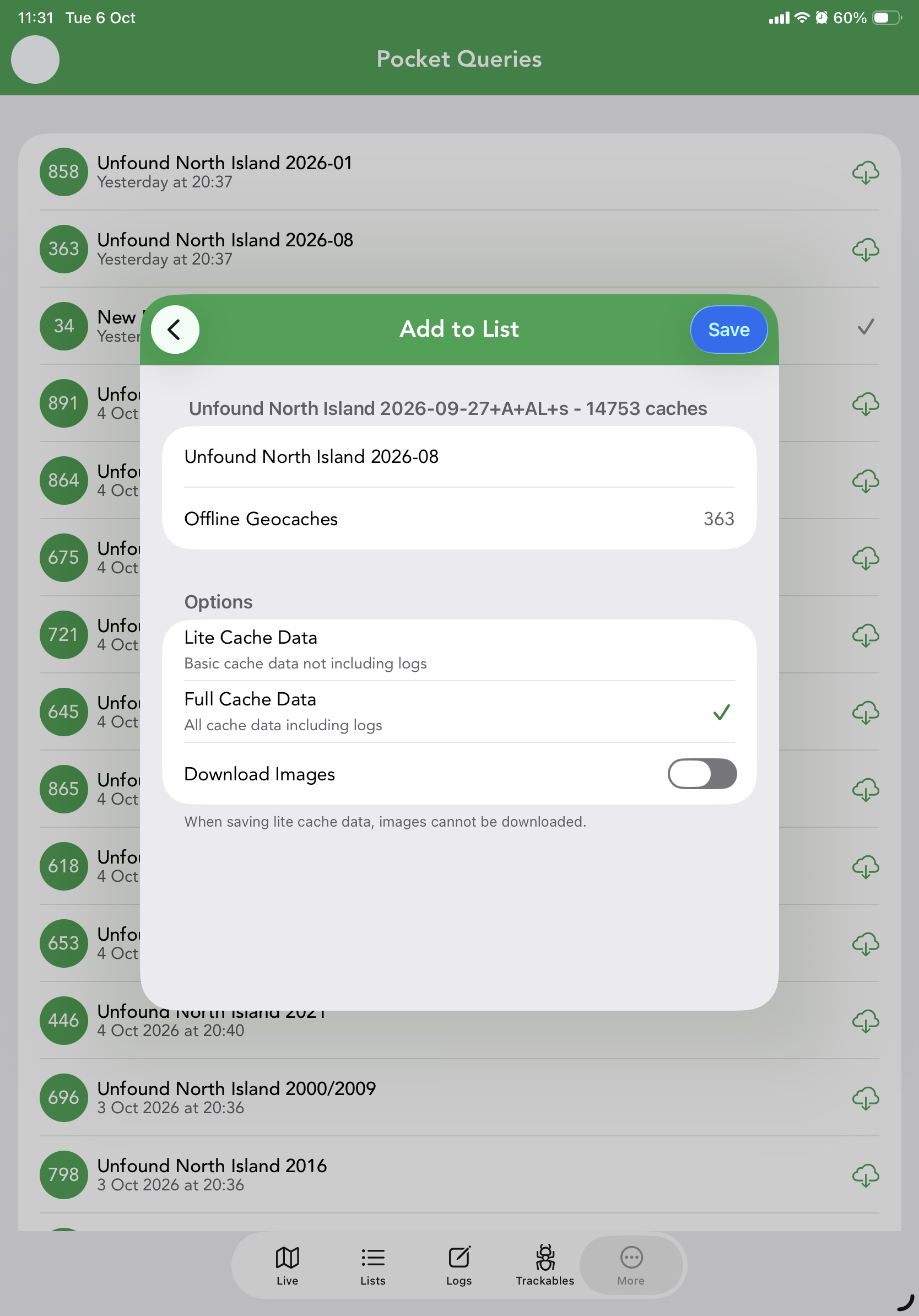
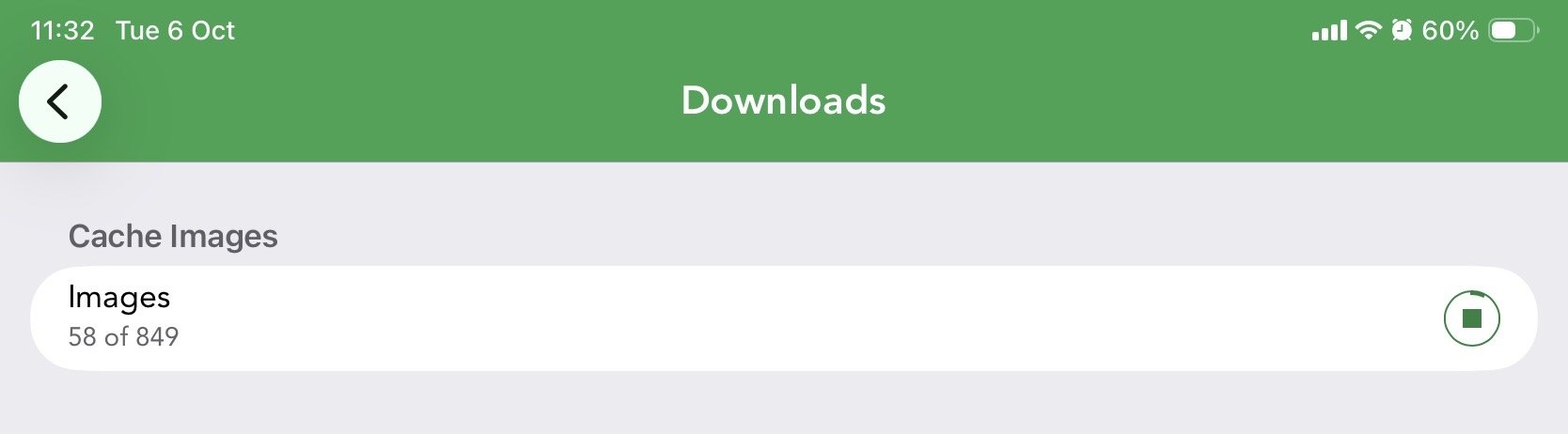
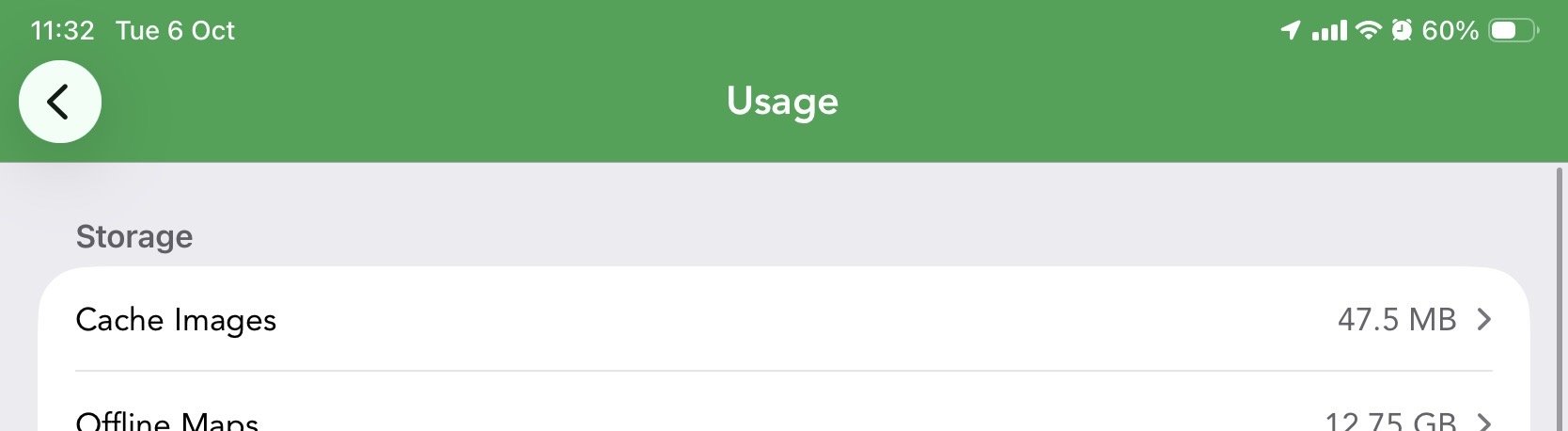
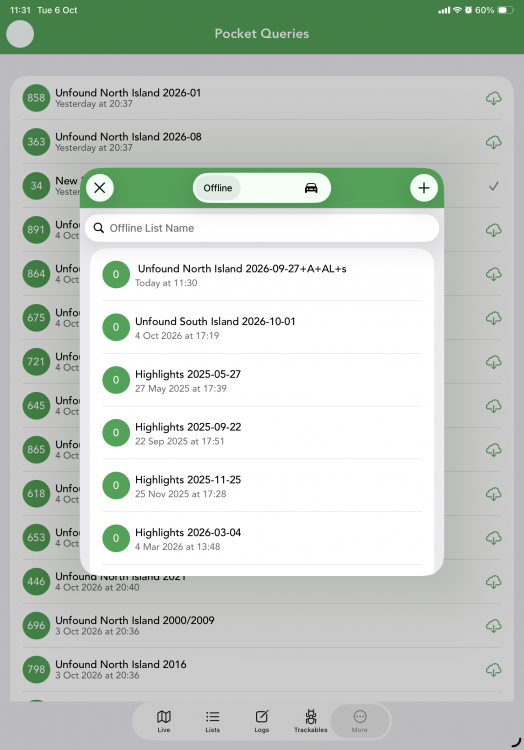
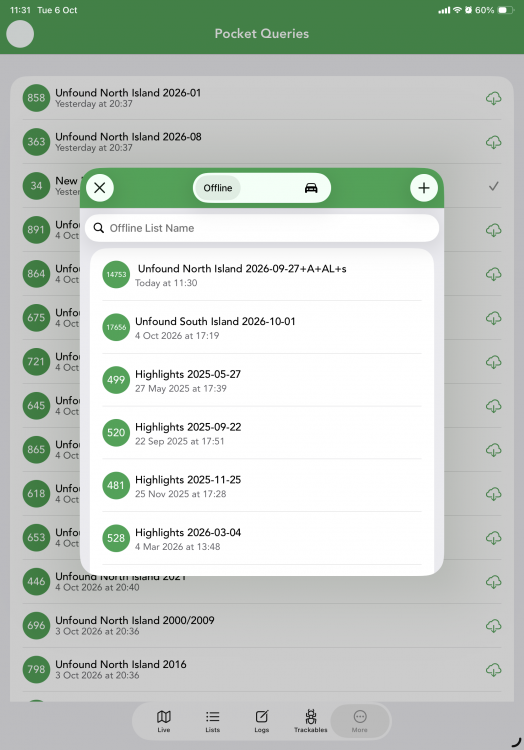
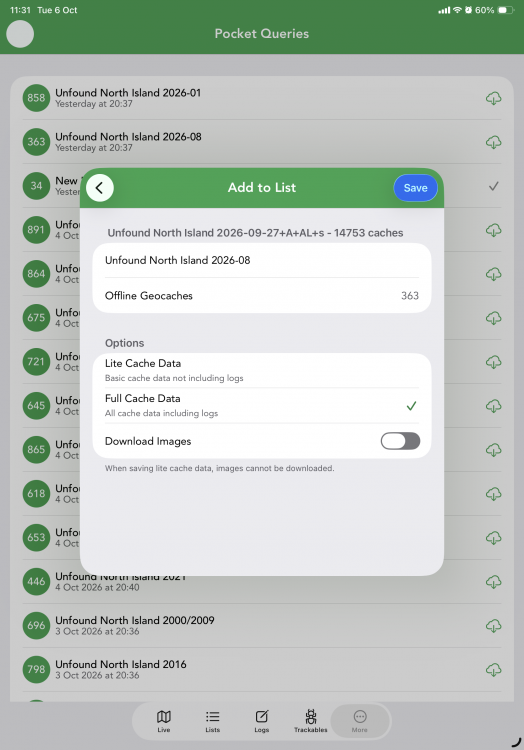
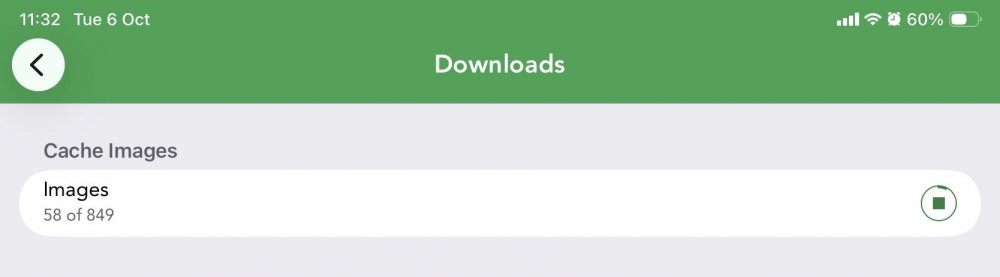
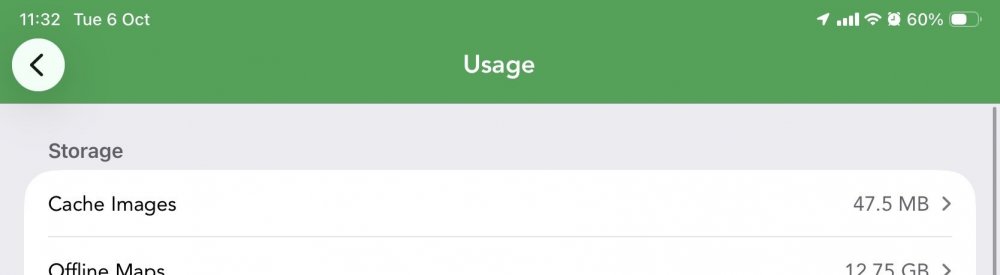
Thanks for taking a look. Screenshots attached. IMG_4325: showing 0 images in Cachly — and 139,000 offline caches IMG_4326: the initial destination list when downloading a PQ, showing 0 against all the lists IMG_4327: you can see the counts have now populated IMG_4328: confirming Download Images is turned off IMG_4329 & 4330: showing images are/have downloaded Still happening under Cachly 8.2.4 (3)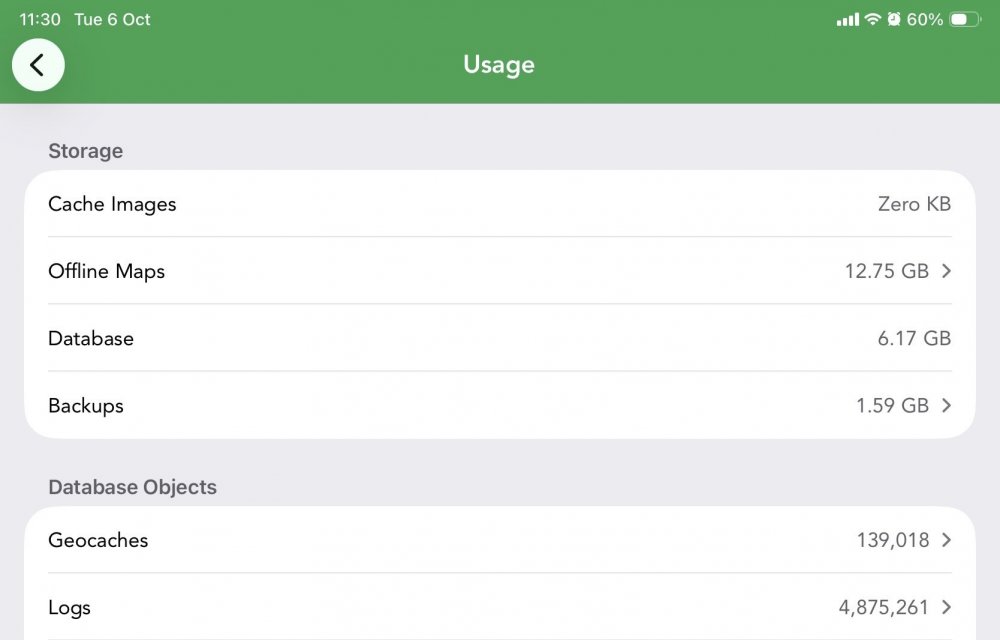
-
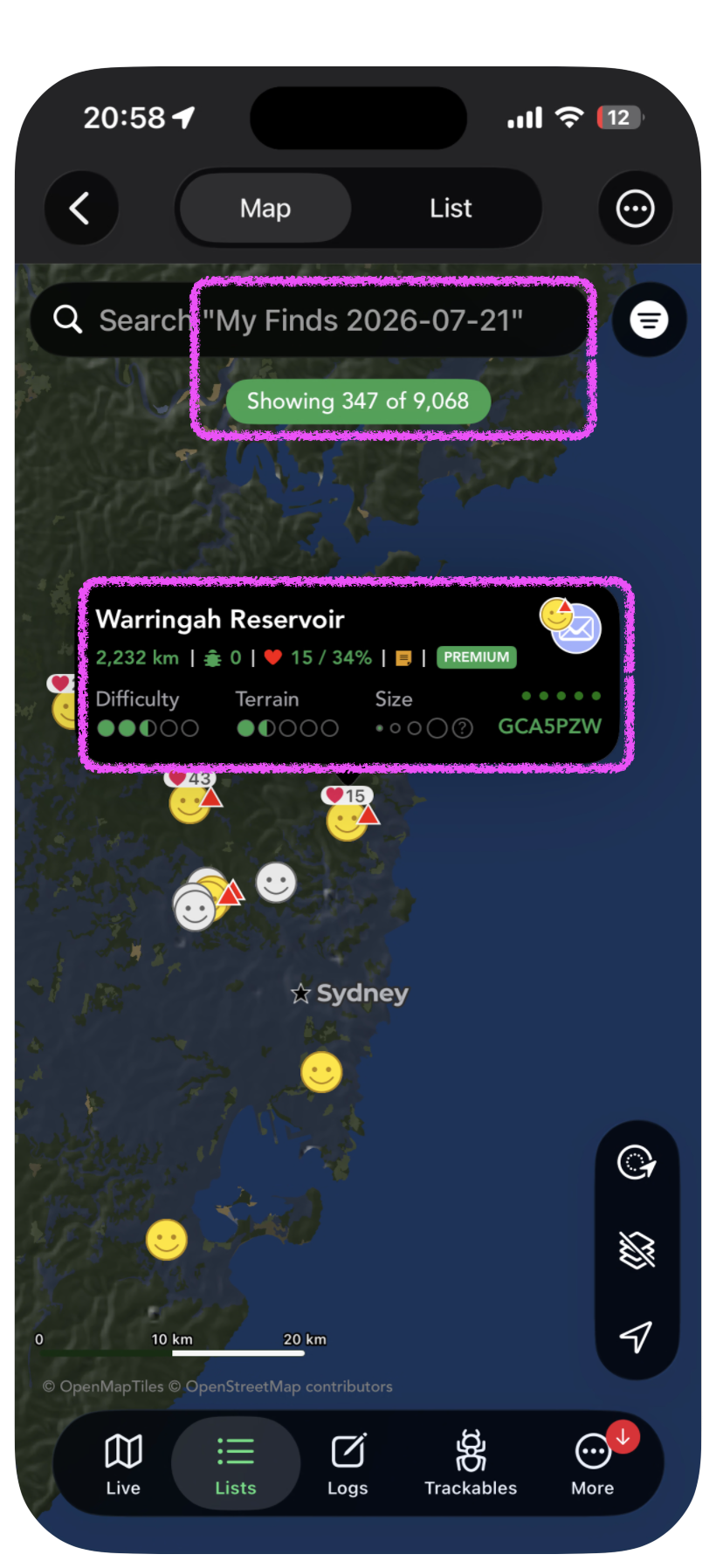
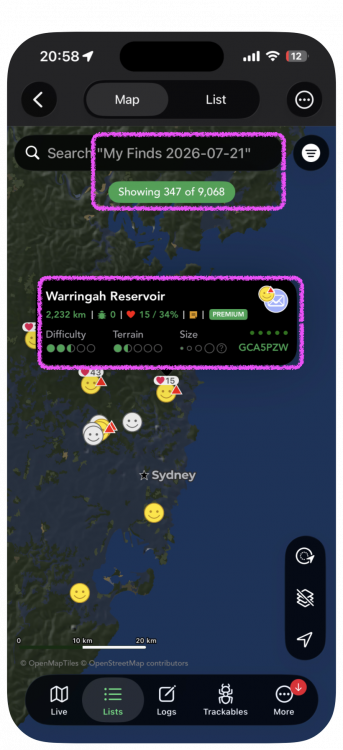
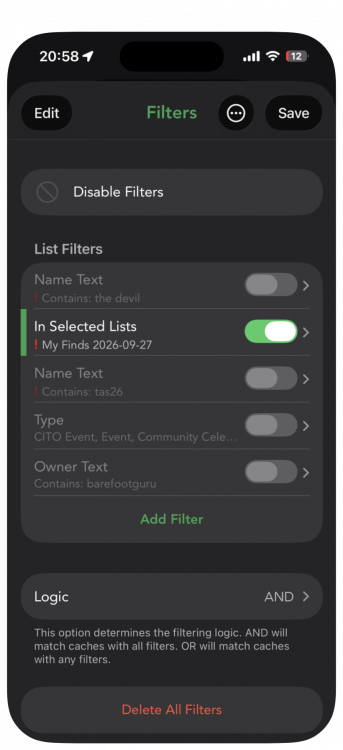
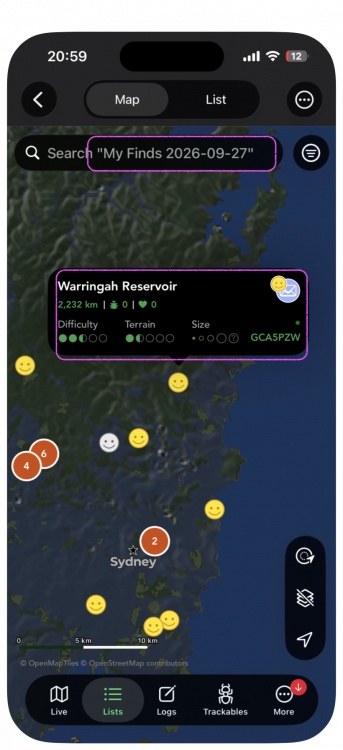
Another new one for 8.2.3 (or 8.2 in general): I use a filter for Offline lists which is 'In Selected Lists', a single list, then Invert Filter. In the filtered caches I'm seeing caches which are definitely in the list I'm comparing against. Strangely over 2 devices with identical lists, I'm seeing a different list of caches which Cachly is saying aren't in the other list (iPhone is 347 of 9,068, iPad 174 of 9,068)… also none are in my home country.
-
When I'm importing a list, either through AirDrop or going into Files and then sharing to Cachly, on my iPad Cachly won't display a progress window — it just sits on the Import GPX screen until it's finished. On my iPhone I get a progress dialog. Cachly 8.2.3, but it's been doing it for a few versions.
-
1. When I’m downloading a PQ, I have Download Images turned off. But Cachly still starts downloading images — as seen on the More > Downloads screen. 2. Have to say I’m not a fan of the placeholder ‘0’ numbers when selecting an offline list to download a PQ too: when clicking the PQ and the Offline List Name screen first pops up, all my offline lists have 0 caches against them, it can take a second or 2 to populate with the actual number. Cachly 8.2.3 p.s. 8.2 is generally a nice upgrade with new features I’m still learning about :]
-
Oh bother. Thanks for letting me know where it is now (Settings > Caches & Waypoints). I'm working on a challenge which requires finding caches more than 2 ㎞ from other caches, so am currently using it regularly.
-
Using Difficulty in offline filter twice no longer works
barefootguru replied to barefootguru's topic in Support
Nice, thanks! -
Hi, on the Live and Offline map screens, you used to be able to long press on the map layers icon, and under Options, one of the options was Ignore Corrected Coordinates. I can’t find this anymore?
-
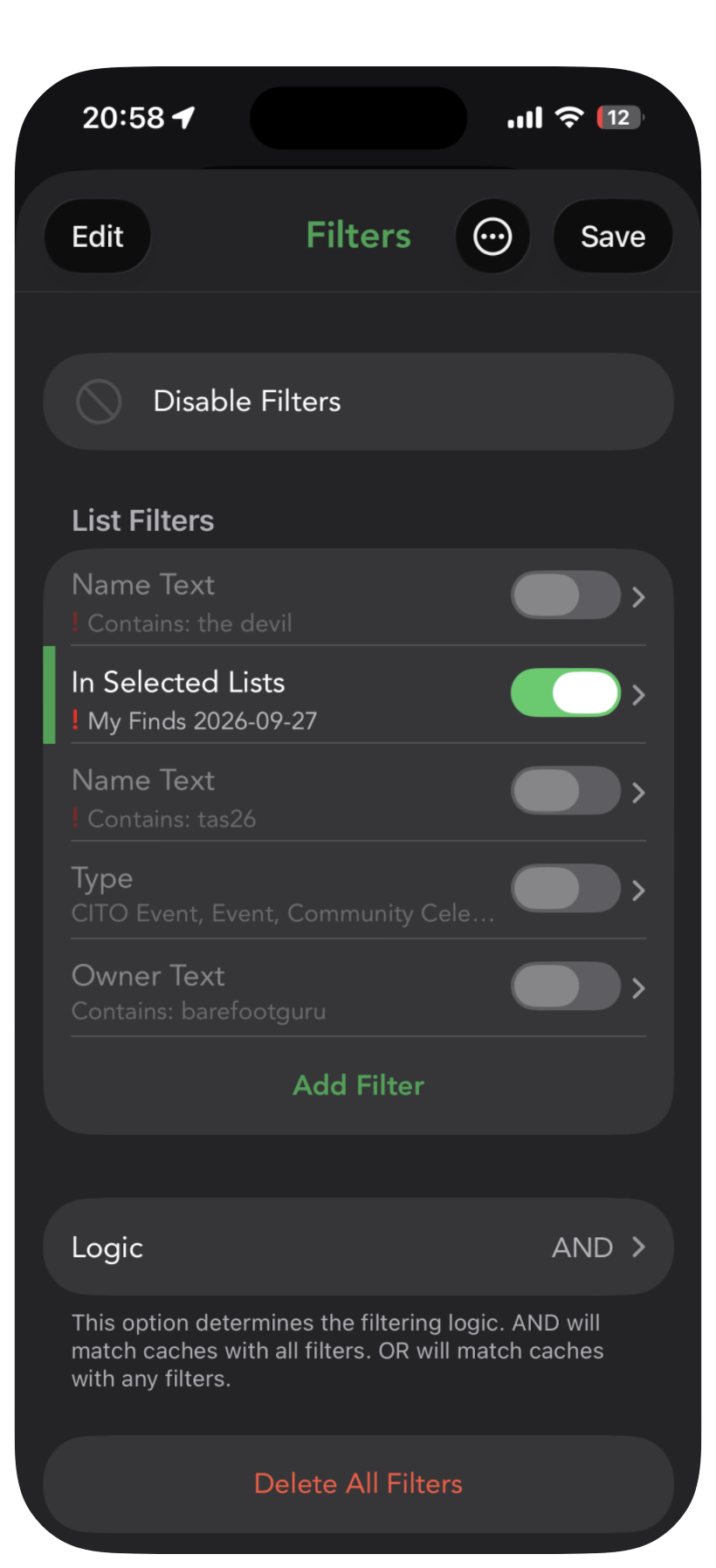
Hi, I'm pretty sure using the same filter twice used to work, but now it's treated as an OR or something: In an offline list, I have a saved filter for the latest pirate treasures: Difficulty ≥ 2 Difficulty ≤ 4 Type Multi, Mystery Logic AND But I'm seeing mysteries & multis with D1 on the map Thanks Cachly 8.2.3
-
Add DT ratings as a keyword for templates
barefootguru replied to Paulared's question in Feature Requests
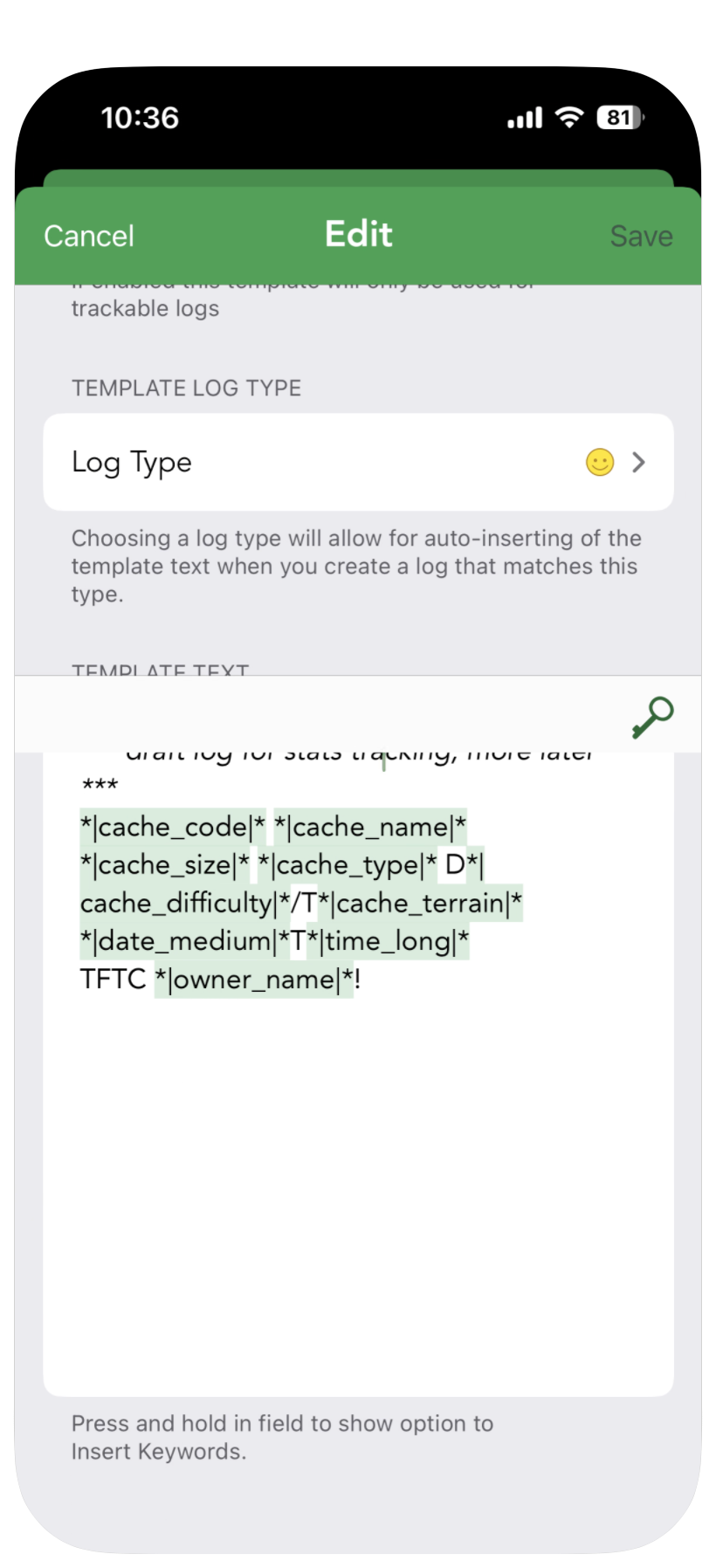
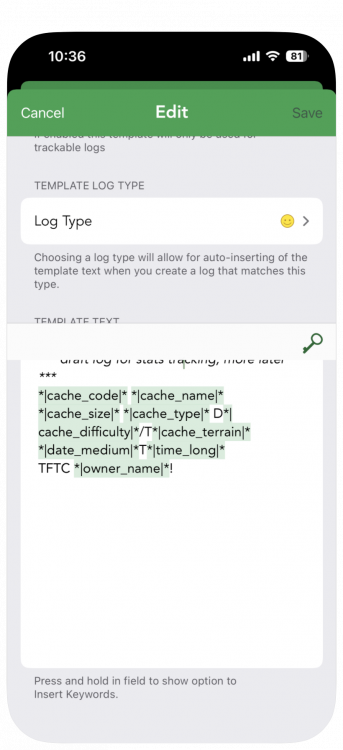
When you're editing a template, there's a key icon down the bottom right of the screen, which shows you what's available. This is what I use D*|cache_difficulty|*/T*|cache_terrain|*- 1 reply
-
- 1
-

-
Saved locations / offline caches for personal POI
barefootguru posted a question in Feature Requests
I sometimes create offline geocaches in offline lists for: new caches released at events that aren't yet live points of interest when travelling, so I can see where e.g. the hotel is in relation to caching The problem is these pins are easily confused with actual caches. It looks like Saved Locations could work for this, but whenever I switch lists they disappear off the map. So maybe saved locations could appear on all maps? Or there could be more options/types when creating an offline geocache (but that would prob cause issues with exporting). Thanks! -
Hi, found another screen which looks odd under Mirroring: when you swipe and start editing a Text Template. The keyword bar sits in the middle of the screen. Cachly 8.1.6 (2) Thanks!
-
Hi, a minor bug that has crept in the last few versions of Cachly… When downloading a pocket query, the option to download lite or full cache data always defaults to lite. Previously Cachly remembered the last used option. This may may apply to downloading images too. Just tried again and still present under 8.1.4
-
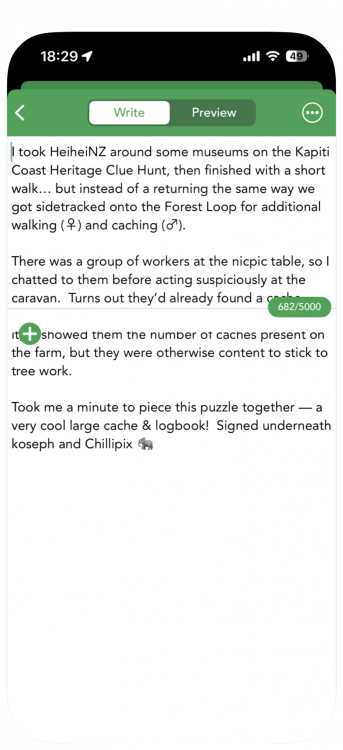
I regularly use Cachly to edit logs via the macOS iPhone Mirroring app, as I find Cachly's interface nicer than geocaching.com Since Cachly 8.1, the formatting of the log window has gotten a lot harder to use — see attached, where the divider line is most of the way up the screen. Currently on Cachly 8.1.1, iOS 26.2, iPhone Mirroring 1.5 / macOS 26. Thanks!
-
On the offline map screen, in the … menu, there's an option to add/remove a Highlight for All/Filtered/Visible caches. I'd find it handy if there was an equivalent to set the Found status of a group of caches. At the moment I go into them individually and use the Set Found button. Why: I combine lab caches (via GPX) and caches (via PQ) in offline lists. When in the field I like to use Cachly to track what I've found, and because ALs are a separate system, they don't automatically convert to a smiley face.
-
Choose from 3 different formats for copying
barefootguru replied to barefootguru's topic in General Questions
Go into More > Settings > General, and scroll down to Default Coordinate Format. I much prefer setting this once rather than every time I copy a format, but you can go back to the old way with Use Coordinate Picker. -
This is probably the API rather than Cachly… The last couple of days when I go onto the Logs tab, then try to edit a log, Cachly will return: Error Object Reference Not Set To An Instance Of An Object. When trying to save the edits. Cachly 8.0.8 (1)
-
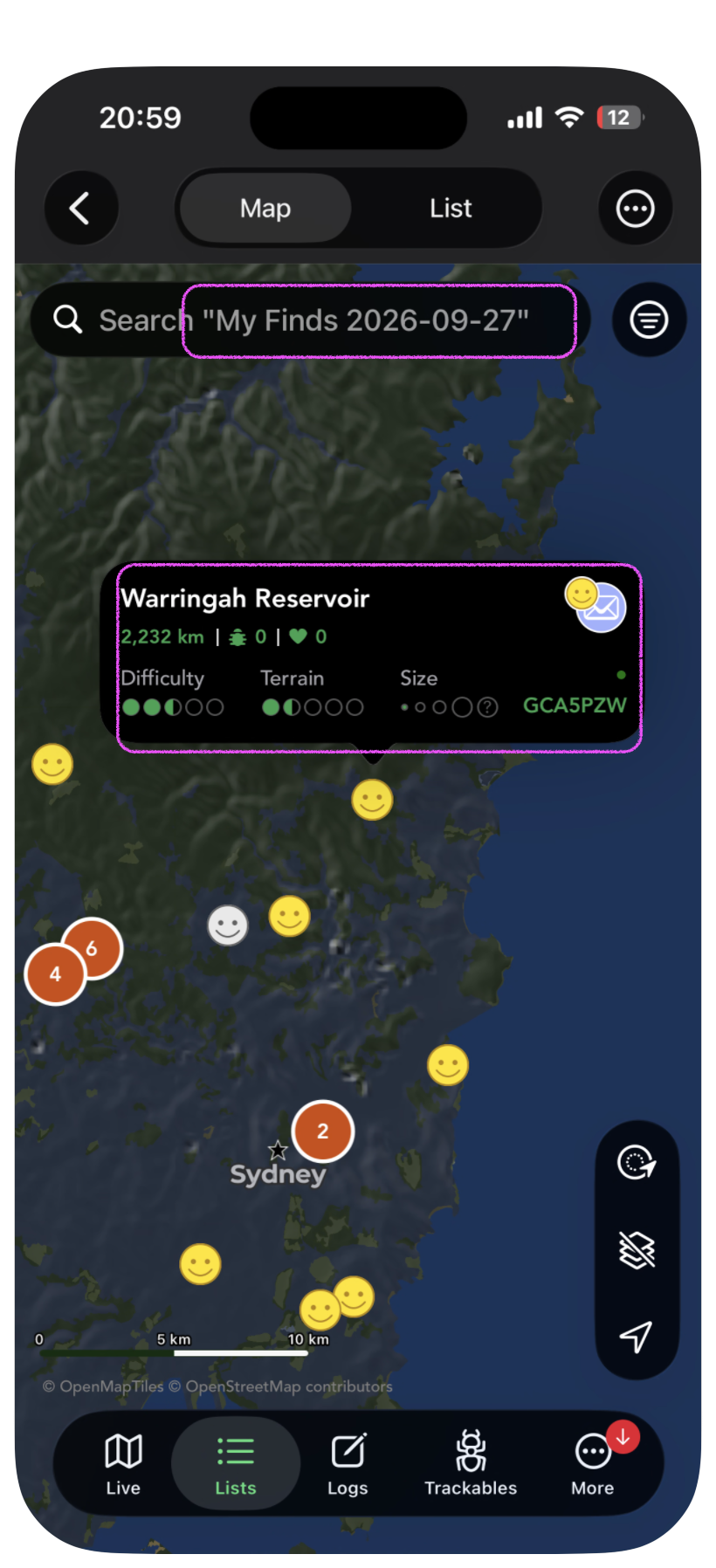
I think the trigger is when the newly found cache is the only pin on the map. i.e. hit X to clear the map, then do the search. And yes, it's an insane zoom, the scale ruler goes up to 4 m
-
Gotcha, thanks!
-
Just tried the other way around, still didn't sync: an offline list tap filter icon select Save New Template give it a name tap Save on other device, select Current Template, it hasn't appeared.
-
1. Is there a way to reorder Filter Templates? I've ended up creating 50+ for a particular challenge, but not in the order I want to see them 2. Help says Filter Templates are synced across devices (https://help.cachly.com/article/22-live-filter-templates). I have iCloud Drive turned on + Cachly is on for Apps Syncing to iCloud Drive on both devices, but the templates have never synced? Cachly is definitely using iCloud as highlighted caches sync between devices. Cachly 8.0.6, iOS/iPadOS 18.1 Thanks!
-
Some of us like knowing what features are planned :]